How to find your color palette from your Pinterest saves
Your Pinterest boards already hold the pictures you love. Bring a whole board into Color Taste, or a few saved pins, and see the colors they have in common.
Copy the link to a public board
The board needs to be public. Secret boards stay private, and we can’t see them.
On a computer: open the board on pinterest.com and copy the address from the address bar. It looks like pinterest.com/yourname/board-name.
On a phone: open pinterest.com in your browser, such as Safari or Chrome, go to the board and copy its address the same way. The Share button in the Pinterest app gives a short pin.it link instead, and we can’t open those.
A link to your profile works too. We then use your newest pins from all your boards.
Paste it into Color Taste
On the Color Taste page, choose Use a Pinterest board, paste the link and choose Get pins. If you already have images in, use the pin button next to + Add more.
Choose the pins
We show the board’s 25 newest pins. Untick any you don’t want, such as pins that are mostly words, then choose Add. Color Taste reads up to 12 images at a time, so if you already have some in, fewer pins are ticked.
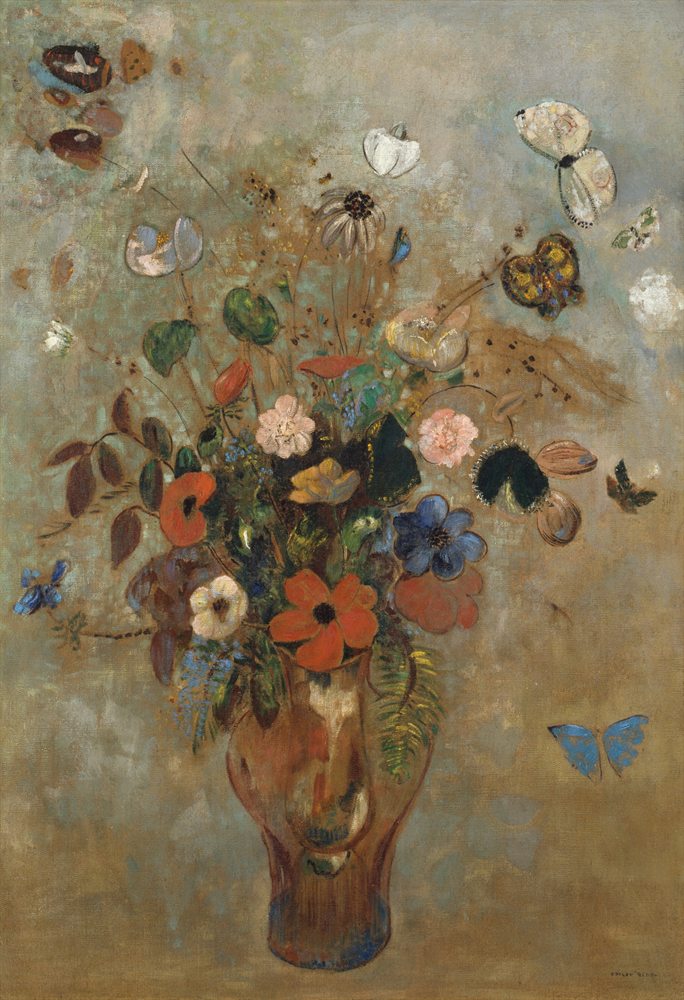
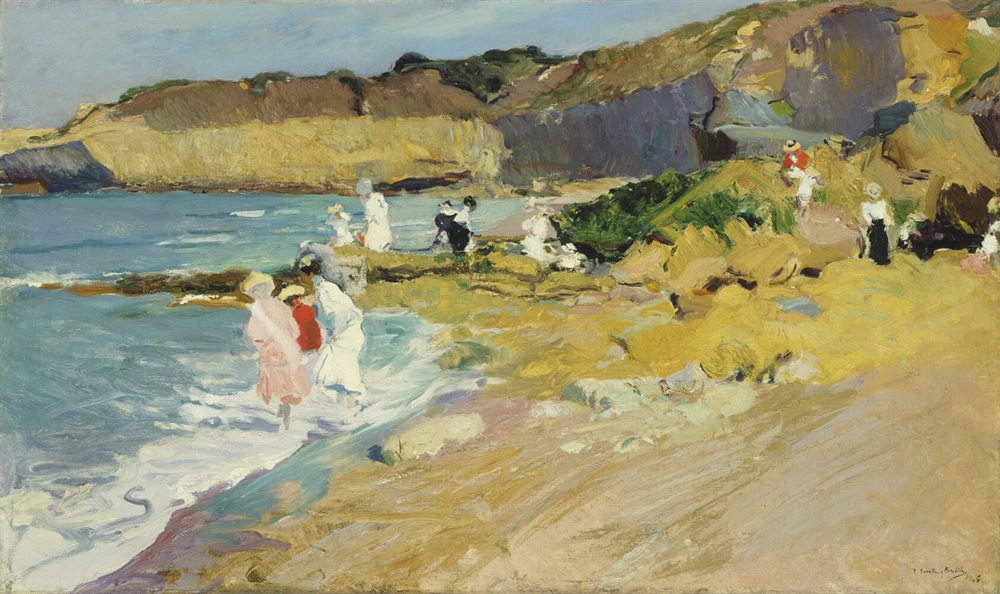
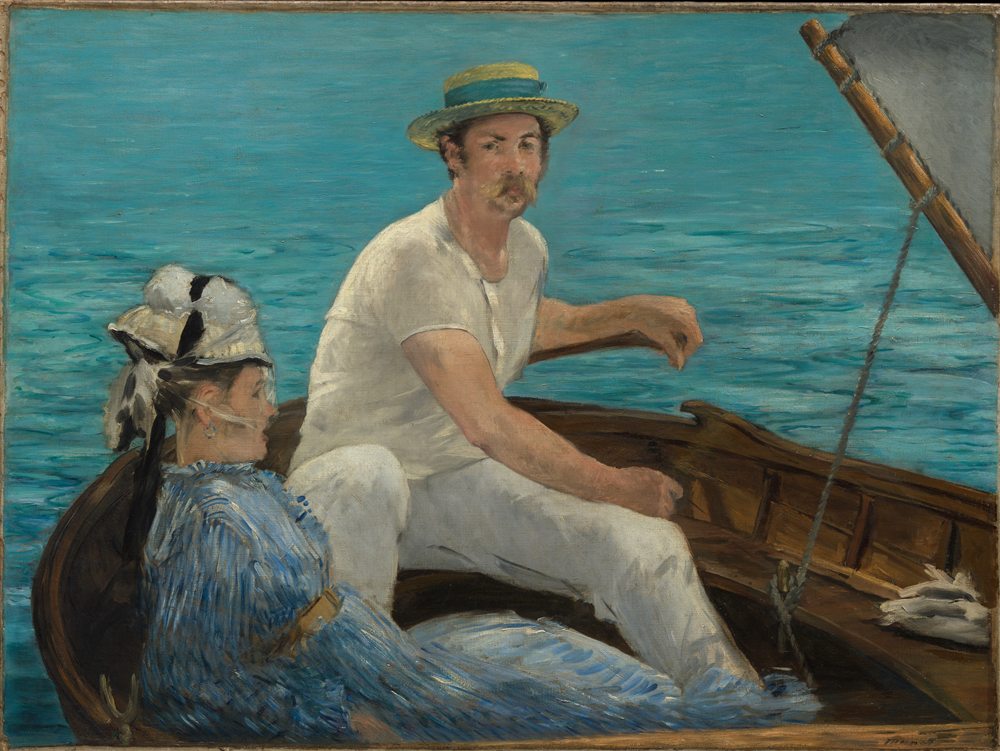
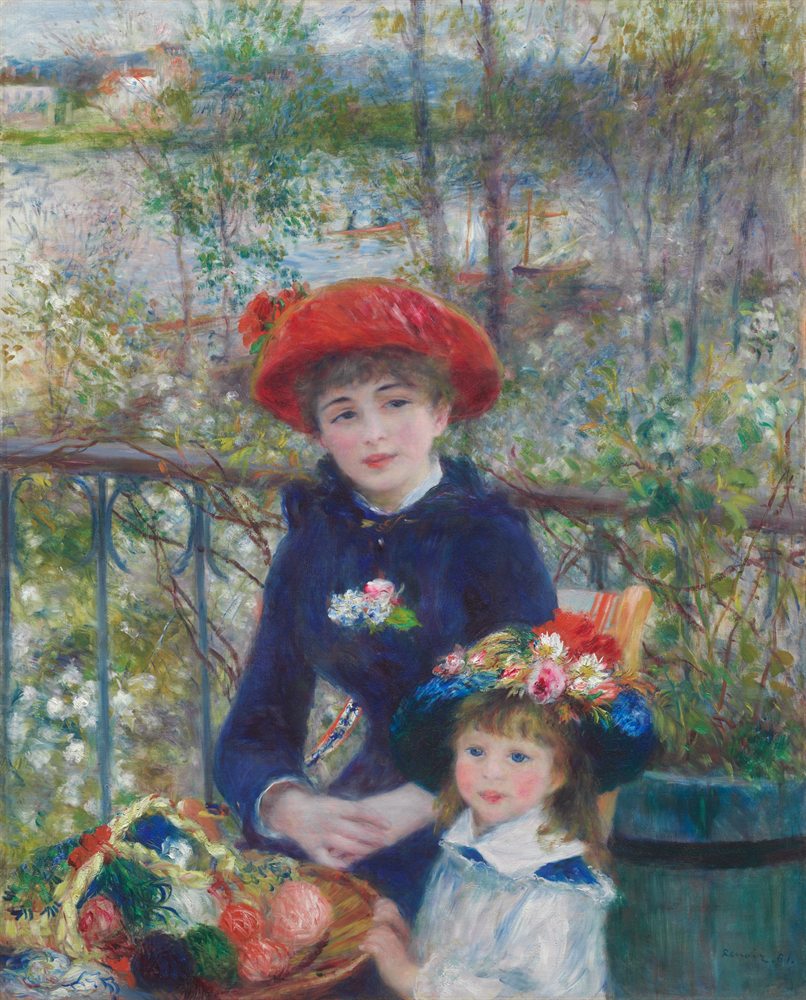
The pins come into your browser like your own images, and they stay there until you remove them. We don’t keep them.
Or save pins one by one
For a secret board, or a handful of favorites, save the pictures to your device first.
In the Pinterest app: open a pin, tap the three dots and choose Download image. On an iPhone it goes to Photos; on Android, to your gallery.
On a computer: open the pin on pinterest.com, click the three dots and choose Download image.
Then choose Try it with your images on the Color Taste page and pick them all at once.
Good to know
One board for one idea
A board for one room, one outfit or one project gives a clearer palette than everything you have ever saved.
Pictures, not words
Four to twelve pictures work best: rooms, outfits, paintings, places. If a pin has a caption or a border, tap its thumbnail in Color Taste to crop it, so only the picture counts.
Reading the results
The Van Gogh guide walks through the three chapters of results, from the colors of each picture to new palettes in your taste.