Baby pink
Softness and sweetness, like a nursery blanket.
About baby pink
Baby pink tends to suggest softness and sweetness, like a nursery blanket. It feels gentle and quiet.
- What color is baby pink?
- Baby pink is a very pale, soft pink. Its hex code is #F4C2C2.
- Is baby pink warm or cool?
- Warm: it sits on the warm side of the color wheel, with the reds, oranges and yellows. It is a light color, value 8 of 10, and its opposite is lichen. More in warm and cool colors.
- Value and codes
- Value 8 of 10, in the red family. RGB 244, 194, 194. OKLCH 85.8% 0.057 18.3.
Where to use baby pink
In a room
A bedroom wall or bedding. Gray or wood keeps it from feeling too sweet.
In an outfit
Knits, shirts and summer dresses. Try it with denim or camel.
In art
A pale light for skin, petals and evening skies.
In design
Too pale for text on white, at 1.6 to 1. Use it as a background instead: dark text on it reads well, at 10.1 to 1.
What baby pink pairs with
- Dove gray
A soft gray that makes it more grown up.
- Sage
A muted green for a garden feel.
- Navy
Deep blue that gives it edge.
- Cream
A warm white, tone on tone.
The opposite of baby pink: Lichen #89A083
Opposite baby pink on the color wheel sits lichen. Side by side, each makes the other look stronger; mixed, they turn each other gray.
Side by side
Baby pink around lichen
Lichen around baby pink
Often confused with baby pink
How to mix baby pink in paint
- 6 parts
titan mars pale - 1 part
light magenta - 1 part
titan violet pale
Golden Heavy Body Acrylics. This is a calculated mix and comes very close, so adjust by eye as you go. It needs a more specialist color. Practice in our Paint Mixer game.
Baby pink tints, tones and shades
Tints
Tones
Shades
Tap a color to copy its code. A tint adds white, a tone adds gray of the same lightness, and a shade adds black. More in tints, tones and shades.
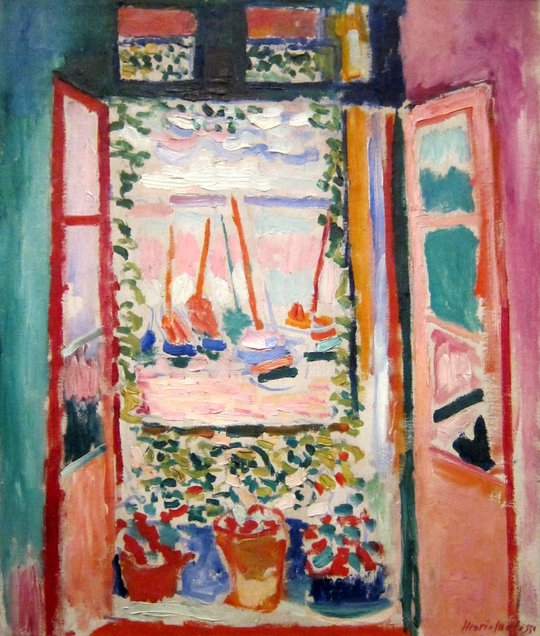
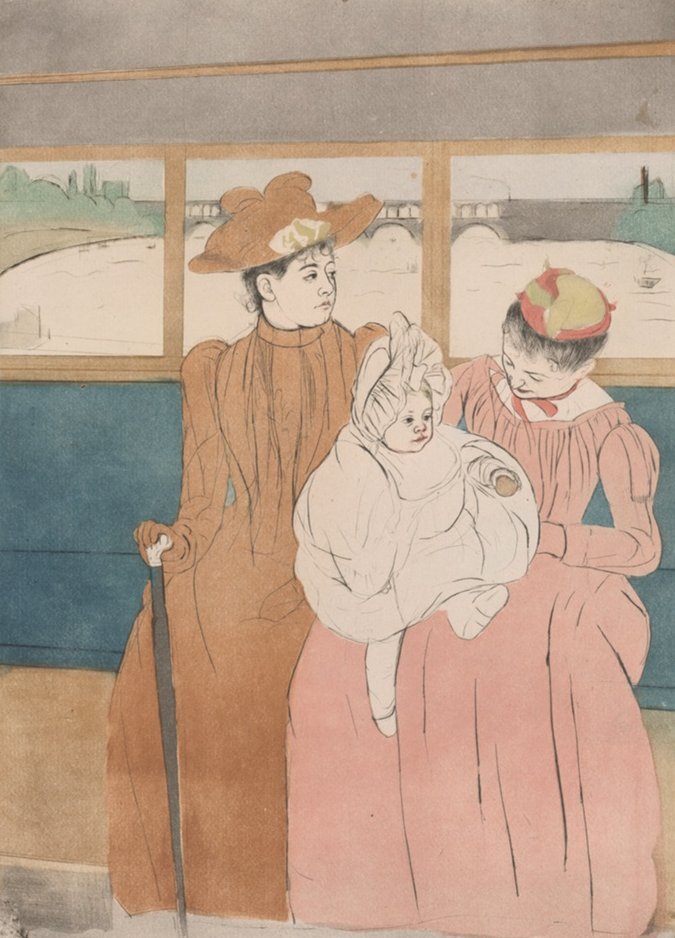
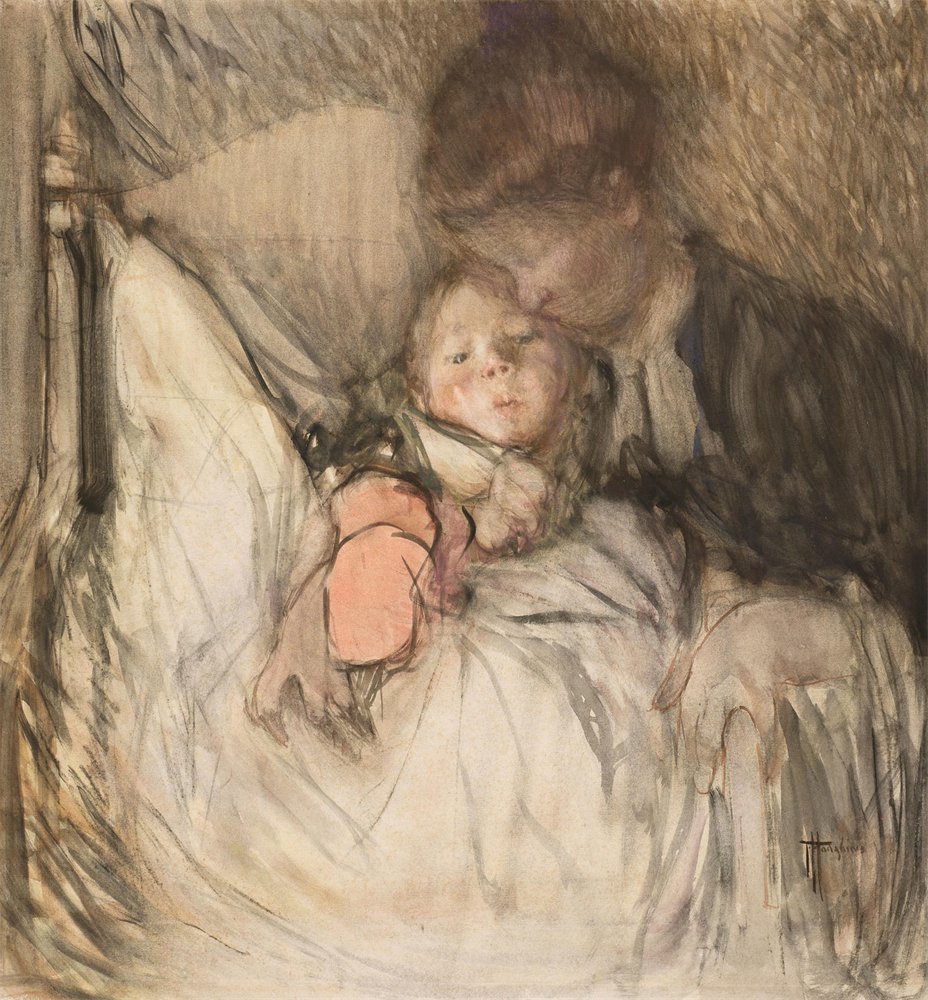
Baby pink in paintings
Colors similar to baby pink
Baby pink inspiration
Outfits
Find your own colors
Add the pictures you love to Color Taste to see which colors they share, or make a palette from one photo in Image to Palette.